Gladio Mori Getting Started Guide
Launch Gladio Mori 1.0 the right way—from input setup to your first clean duel.
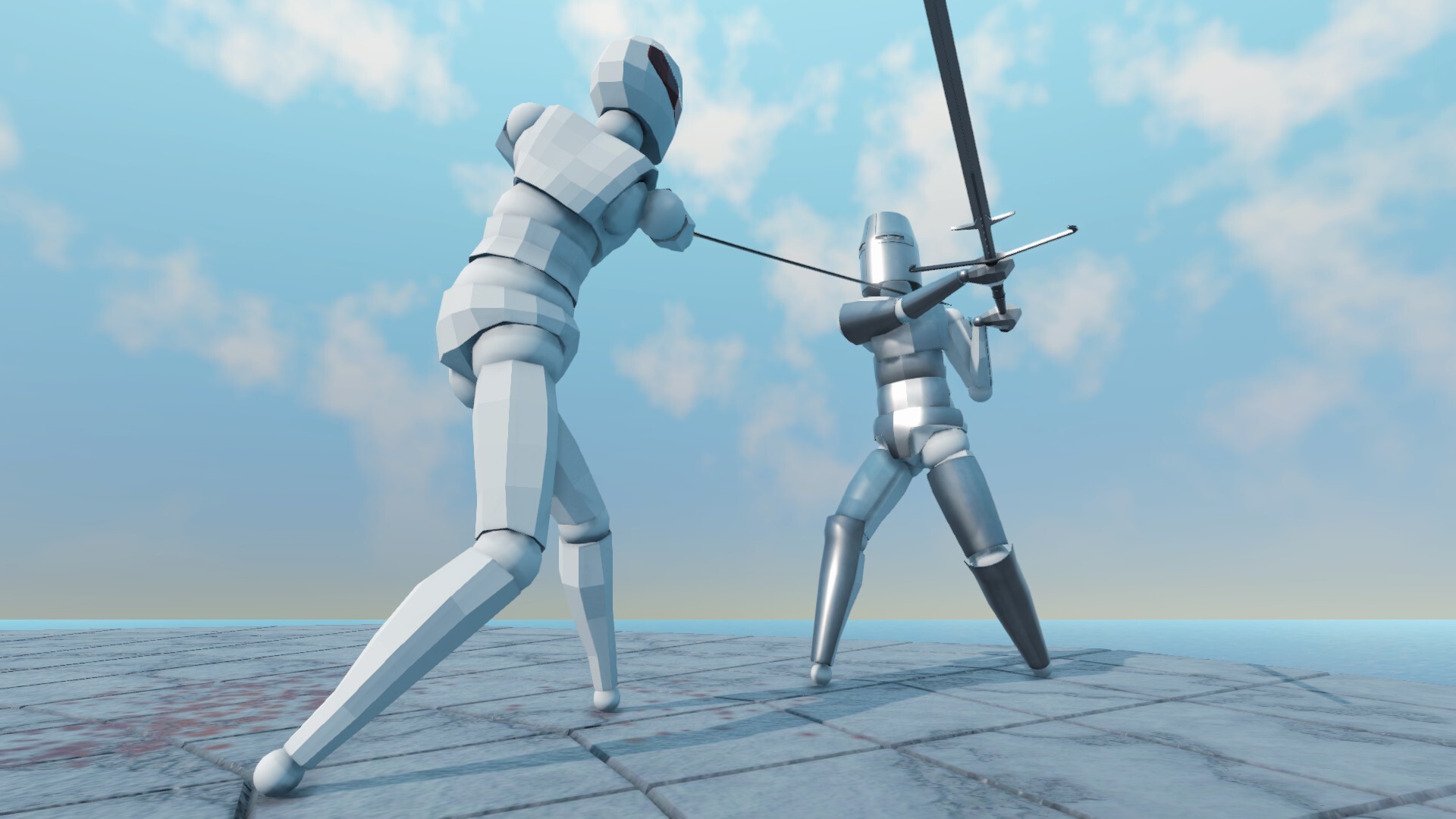
Gladio Mori is a physics-based gladiator fighter where blades, armor coverage, and organ hits matter more than button mashers. Full 1.0 released on September 16, 2026 (Early Access from November 26, 2024) on Steam, PS5, and Xbox Series X|S. Expect about $15.99 on Steam, developer Plebeian Studio (LittleLegatus), publisher Bonus Stage Publishing, cross-play, and up to four players online or local split-screen.
This page is your day-one checklist. Finish it before you invent wild movesets or jump into Limitless lobbies. Pair it with the mid-article overview video for a visual pass over the move editor, combat feel, damage model, and multiplayer.
Step 1 —?Pick an input mode and rebind early
Gladio Mori supports keyboard-only, keyboard + mouse, and controller. Everything is fully rebindable. Do not assume default WASD-fighter muscle memory will carry you. Open options, pick the scheme you will actually use for a week, and rebind awkward swings before your first campaign run. Details live in the controls guide.
Spend five minutes confirming:
- Movement and camera feel readable in your chosen arena
- Attack / block / special inputs do not fight each other
- Menu and replay shortcuts are reachable without dropping the stick or mouse
If you plan to switch between controller and KB+M, save clear profiles so Creative nights do not start with misbound limbs.
Step 2 —?Accept that there is no health bar
Combat in Gladio Mori tracks muscles, arteries, and vitals. Injured muscles weaken the limb and your strikes. Severed arteries force a bleed-out race. Pierced vitals can end the fight immediately. Dismemberment removes hands, arms, or legs and changes everything that follows. Armor only protects the body parts it physically covers—everything else remains open.
Your first hour should focus on landing intentional cuts and avoiding reciprocal bleed, not trading equal damage. Read the full organ damage system once you finish a couple of AI fights, and keep the damage reference tool nearby when you want a quick reminder of what each hit type implies.
Step 3 —?Learn the roster with Campaign
Campaign is a solo gauntlet against AI on Easy, Normal, and Hard. Use it to sample roughly 34 weapons, three shields, unarmed, and about 17 armor pieces across six arenas without lobby pressure. Easy is for learning reach and stamina rhythm. Normal is the real practice tier. Hard stresses openings and punish windows.
A solid first session:
- Complete any tutorial prompts the build offers
- Equip a simple blade plus light armor that leaves joints free
- Win a few Easy fights focusing on limb control, not flashy spins
- Replay one kill with the timeline / free camera to see where the blade actually traveled
When campaign starts feeling readable, deepen strategy in the campaign guide.
Step 4 —?Touch the Move Editor without shipping junk
The move editor is Gladio Mori’s identity: keyframed control over attacks, blocks, and movement, plus a community gallery for remixing. On day one, browse community movesets and duplicate one sensible stock-style set before you invent donkey-kong poundings. Learn layers, input type icons, and how changing an input updates the move’s layer. Publish later—practice first.
Step 5 —?Enter Multiplayer with the right mode
Online and local support up to four fighters with cross-play between Steam, PS5, and Xbox. Modes:
- Classic —?basic movesets, default movement; best for fair learning
- Creative —?custom animations unrestricted
- Limitless —?Creative rules with boosted character strength
Hosts can enable tournament-style round targets. Local split-screen can fill with AI bots. Full lobby etiquette and cross-play notes are in the multiplayer guide. Until you understand damage and spacing, stay in Classic.
Step 6 —?Mods after fundamentals
mod.io brings community weapons, armor, arenas, movesets, skins, and more to PC and consoles through the in-game gallery. Enable packs only after you can win stock fights; mismatched mods break joins. Check versions with friends before Creative nights.
Gear and meta awareness
When you care about what is strong this patch, skim the tier list hub. Treat rankings as a starting hypothesis, not a commandment—Gladio Mori rewards players who understand coverage and timing more than whoever copied an S-tier name.
First-week practice loop
- Day 1—?: Controls + Campaign Easy/Normal with one weapon family
- Day 3: Damage guide + replay study of your losses
- Day 4: Classic multiplayer or local with friends
- Day 5+: Light move-editor edits and one curated mod pack
Join the official community on Discord for lobbies, feedback, and patch chatter. Bookmark this wiki’s Guides Hub so you always have a path back to mechanics pages.
Finish this checklist and Gladio Mori stops feeling like random ragdoll chaos. You will still lose limbs—you will just know why.
Frequently Asked Questions
Quick answers to the most common Gladio Mori questions.
What platforms does Gladio Mori support at 1.0?
Steam PC, PlayStation 5, and Xbox Series X|S with cross-play between them and support for up to four players online or in local split-screen.
Should I start in Campaign or Multiplayer?
Start in Campaign on Easy or Normal to learn weapons and organ damage, then move to Classic multiplayer before Creative or Limitless.
Do I need a controller?
No. Keyboard-only, keyboard + mouse, and controller are all supported and fully rebindable—pick what you can play accurately for long sessions.
When should I open the Move Editor?
After you understand stock spacing and damage. Browse the gallery early, but publish custom sets once you can explain why each keyframe exists.
Where do I find other players?
Host or join cross-play lobbies in-game and use the official Discord at discord.gg/BV8gqwqZUV for organized nights.