Gladio Mori Character Skins & Paint Editor
Paint your gladiator in-game, export PC templates, and share skins through mod.io.
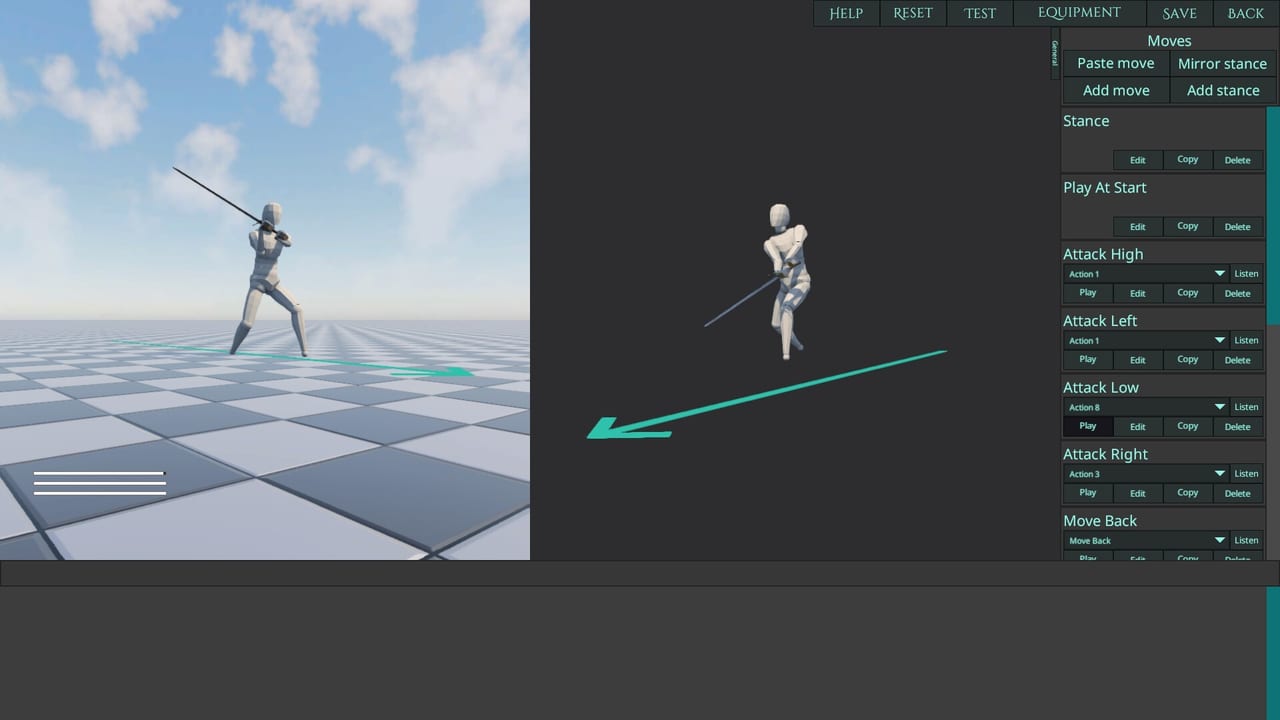
In Gladio Mori, your fighter’s paint job is the nameplate. Full 1.0 includes an in-game character skin editor, a downloadable PC skin template for external image tools, and community skin sharing through mod.io—on Steam, PlayStation 5, and Xbox Series X|S. This guide covers practical workflows so you spend minutes on identity, not hours fighting the brush.
Skins do not rewrite the organ damage model. They make sure everyone knows who removed the arm. For gameplay systems, keep the damage system and Guides Hub nearby.
What shipped in 1.0
Official feature lists highlight:
- Paint and draw directly onto your character in the skin editor
- Take the design straight into arenas and lobbies
- On PC, download a skin template, edit it in any image editor, then bring it back
- Share finished skins via mod.io, or equip community designs from the in-game gallery
Console players are not locked out of wearing community skins. Creation pipelines differ by platform, but gallery browsing is part of the multi-platform vision described in mods.
In-game paint workflow
- Open the skin / texture tools from the character customization flow
- Pick base materials or colors available in your build
- Paint with the brush tools—start broad, then detail
- Use the brush size slider carefully; launch patch v1.0.1.3 made the slider nonlinear so smaller sizes are easier to set
- Preview under lighting that resembles arena conditions when possible
- Save with a clean name (illegal characters are validated on input)
- Equip and test in a local or Campaign session before a public lobby
Nonlinear brush sizing is a quiet QoL win: stop fighting the slider when you only needed a thin stripe for heraldry.
PC template export path
When you want precision beyond freehand:
- Download the official character skin template on PC
- Edit in your preferred image editor (layers help for heraldry, scars, and team colors)
- Keep resolution and UV expectations aligned with the template documentation in-game or on community pins
- Import / apply following the current client prompts
- Upload to mod.io if you intend to share
External editing shines for crisp emblems, readable numbers, and matching a Discord event theme. Freehand shines for blood-spatter vibes and quick uniquely messy looks.
Sharing and browsing on mod.io
Skins are usually the safest social mod—identity without rewriting hurtboxes—yet version discipline still matters.
- Browse the in-game gallery by skin category
- Subscribe / enable only what you need tonight
- Navigate away so packs finish loading cleanly
- Confirm the skin appears on your fighter before hosting
- Agree with friends if a night is “stock look” versus “fashion show”
Hosts running multiplayer tournament checkboxes should still announce whether cosmetic packs are enabled so nobody fails a join over a surprise stack. Full workflow detail lives on the mods guide.
Design tips that read in motion
Physics fights are chaotic. Tiny chest glyphs vanish mid-spin. Prefer:
- High-contrast silhouettes on torso and limbs
- Bold shoulder or helm marks your teammates can call out
- Limited palettes that survive compression and distance
- Avoid relying on ultra-fine linework alone
Remember armor pieces cover body regions. Paint under a full plackart may be invisible in-fight—decorate what opponents actually see.
Materials, models, and options
Patches during EA and demo updates added materials views, character model quality options, and toggles for using character materials. If your skin looks wrong:
- Confirm material toggles in options
- Check whether a low/high poly preference is active
- Re-apply after game updates
- Verify you did not enable a conflicting texture pack
Visual updates to weapons and armour in v1.0.1.3 also refreshed how gear reads next to custom paint—re-check your showcase loadout after major patches.
Etiquette and events
- Do not ship offensive imagery into mixed community lobbies
- Credit template bases when you remix heavily
- Keep NSFW content in opted-in spaces only
- Watch studio Discord contests—launch celebration messaging teased creativity challenges that can put community work closer to official recognition
Find creators and showcases via the Players Hub and official Discord.
Practice checklist
- One readable in-game paint job finished in under 20 minutes
- One PC template skin with clean heraldry (PC players)
- One subscribed community skin tested in a private lobby
- Brush size comfort after the nonlinear slider change
- Backup note of which mod versions your fashion stack needs
Related reading
- Mods & mod.io — gallery, versions, console access
- Players — community profiles and featured creators
- Move editor — pair a look with a signature moveset
- Launch 1.0 rundown — feature context
- Patch 1.0.1 notes — brush slider and related QoL
Paint boldly, share cleanly, and let the organ damage—not the decals—decide the round.
Frequently Asked Questions
Quick answers to the most common Gladio Mori questions.
Can I paint my character inside the game?
Yes. Gladio Mori 1.0 includes an in-game skin editor for painting directly onto your fighter.
What is the PC skin template?
PC players can download a character skin template, edit it in an external image editor, then use and share the result.
How do I share skins with others?
Upload through mod.io and let other players browse skins in the in-game gallery on PC and consoles.
Why did the brush size feel different after launch patches?
Patch v1.0.1.3 made the paint tool brush size slider nonlinear so smaller brush sizes are easier to set.
Do skins change damage or hitboxes?
No. Skins are cosmetic identity. Muscles, arteries, vitals, and armor coverage still decide fights.